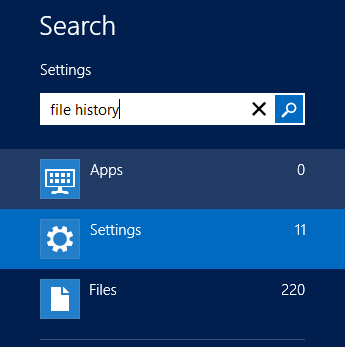
Windows 8 Tips Part 5 – Turn on File History

Windows 8 Search Settings File HistoryEvery responsible computer owner has a decent backup plan in place that can be used in an emergency to restore lost files. Yeah, right. How does your backup strategy measure up? Are you backing up your data? When last did you backup your data? Do you do it once a week? On occasion?

Well with Windows 8, backing up is really easy and all you have to do is turn on File History, point Windows 8 to your selected File History location and off you go. It would make sense to select a large external drive or network drive to use for the File History.

(more…)

Continue ReadingWindows 8 Tips Part 5 – Turn on File History